ElectionChamp

Why Hybrid Elections Matter
Not every voter in your organization has the same level of digital comfort or access. Some members prefer the convenience of voting from their phone during a lunch break. Others want the familiar experience of walking into a meeting room and filling out a ballot in person. A hybrid election accommodates both groups, ensuring nobody is excluded from the democratic process.
Hybrid elections are particularly common among HOAs transitioning from paper to digital, unions with members spread across job sites and offices, nonprofits with a mix of tech-savvy and less digitally inclined members, and churches or fraternal organizations where in-person meetings remain central to the culture.
The key challenge is not offering two methods — it is ensuring that both methods feed into a single, tamper-proof, and accurate result. That requires careful planning, the right platform, and a clear process.
Understanding the Two Voting Channels
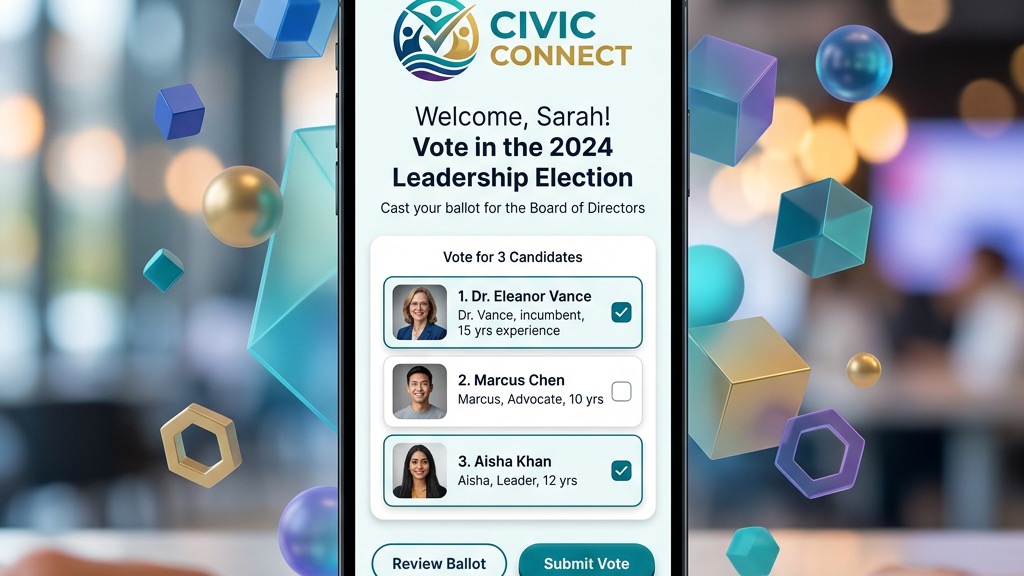
Voters receive a unique 16-character key via email or SMS. They click their personal link (or enter their key on the voting page), make their selections, and submit. The key is deactivated immediately after submission, preventing duplicate votes. The entire process happens within a secure, encrypted web interface accessible from any device.
In-Person Voting with Printed Keys
For voters who will cast ballots at a physical location, ElectionChamp makes keys you hand out: unique 16-character codes that you print and distribute on-site. Each key works exactly once, just like the digital version. The voter goes to the ElectionChamp voting page on a shared device (a tablet, laptop, or kiosk), enters their key, and votes through the same interface that online voters use.
Because both channels use the same platform, the votes are automatically combined. There is no separate counting process, no reconciliation spreadsheet, and no room for human error in tallying.
Step-by-Step: Setting Up a Hybrid Election
Step 1: Plan Your Voter Segments
Before you touch the platform, decide which voters will vote online and which will vote in person. In many cases, you will offer both options to everyone and let them choose. In others, your bylaws may require specific groups to vote at a meeting.
Create a simple list that identifies each voter and their preferred or required method. This will determine how you configure notifications later.
Step 2: Choose How Voters Get Their Key
On the Start step, under “How will voters get their key?”, pick more than one. For a hybrid election, you will typically choose:
- Email: For voters who will receive their keys digitally.
- Hand out keys: For voters who will receive printed keys at the in-person event.
You can pick both in the same election. Voters with an email address get their key by email. Voters with no email or phone in your list get a key you hand out, and the Voters step shows how many of each in “How voters get their key”.
Step 3: Build Your Voter List Strategically
Add your full voter list on the Voters step: paste it from Excel or Google Sheets, or upload a CSV file. For voters who will vote online, include their email address (and phone number if text messages are on). For voters who will vote in person, leave the email and phone blank, and they get a key you hand out.
Pro Tip: Set 5 to 10 spare keys on the Voters step beyond your expected in-person count. Once voting opens, the + beside Spare keys on the dashboard’s Voters tab turns one into a key for a walk-in or last-minute attendee, without restarting the setup.
Step 4: Download and Print the Keys You Hand Out
After launching the election, go to the Voters tab on your dashboard. Print the keys you hand out, or download them as a file. Each key is unique and one-time-use, so treat them like paper ballots and keep them secure until distribution.
For a polished experience, print each key on a separate card or slip with instructions for the voter:
- Go to app.electionchamp.com/vote
- Enter the 16-character key printed below
- Follow the on-screen instructions to cast your ballot
- Your vote is anonymous and final once submitted
Step 5: Set Up the In-Person Voting Station
At your meeting venue, prepare one or more voting stations. Each station needs a device (tablet, laptop, or desktop) connected to the internet with a web browser open to the ElectionChamp voting page. For privacy, position screens away from foot traffic and consider using privacy filters on monitors.
Assign a volunteer or administrator to distribute printed keys to verified, eligible voters as they check in. The check-in process is your double-vote safeguard: once a voter receives their key, they are marked off the list.
Step 6: Monitor Results in Real Time
As both online and in-person votes come in, your ElectionChamp dashboard updates in real time. The participation donut chart, vote count, and trend line reflect all votes regardless of channel. You do not need to merge or reconcile anything manually.
Preventing Double Voting
The single biggest concern with hybrid elections is ensuring no one votes twice — once online and once in person. ElectionChamp handles this through its one-key-one-vote architecture:
- Unique keys: Every voter gets exactly one key, whether delivered by email or printed on a card.
- Instant deactivation: The moment a ballot is submitted, the associated key is permanently deactivated.
- Real-time status: The Voters tab shows who has already voted (status changes from Pending to Voted), so administrators distributing printed keys can verify that a voter has not already cast a ballot online.
If a voter who already voted online shows up to the in-person station, you will see their status as Voted when you check the dashboard. Do not issue them a printed key.
Best Practices for a Smooth Hybrid Election
- Communicate clearly: Before the election, send a message explaining that voters can choose between online and in-person methods. Emphasize that each person gets one vote regardless of method.
- Open online voting early: Start the online voting window several days before the in-person event. This reduces lines at the physical station and gives remote voters plenty of time.
- Train your volunteers: Anyone distributing printed keys at the in-person event should know how to check voter status on the dashboard, distribute keys securely, and help voters use the voting page.
- Have a tech backup: Bring extra charged devices and a mobile hotspot in case Wi-Fi fails at the venue.
- Keep the audit trail: ElectionChamp logs all activity. After the election, the Audit tab gives you a complete record of every administrative action, which is invaluable if anyone questions the integrity of the process.
Transitioning from Fully In-Person to Hybrid
If your organization has always used paper ballots, jumping straight to fully online voting may feel uncomfortable. A hybrid election is the ideal bridge. It lets you:
- Test the technology: See how the platform works in a real election without abandoning your familiar process.
- Build voter confidence: Members who are skeptical of online voting can still vote in person while seeing that the system works.
- Measure the impact: After the election, compare participation rates between online and in-person voters. Most organizations see a significant turnout increase from the online channel.
Many organizations that start with hybrid elections move to fully online within one or two election cycles as members see the convenience and security firsthand.
When Hybrid Is Required by Bylaws
Some organizations have governing documents that require in-person voting or a physical meeting for certain decisions. In these cases, hybrid is not optional — it is the only way to modernize while staying compliant. Before setting up your hybrid election, review your bylaws for language around voting methods, meeting requirements, and quorum definitions. If your bylaws do not explicitly mention electronic voting, you may need to amend them first. Many states, including California under AB 2159, now explicitly allow electronic voting for HOAs, which makes bylaw amendments easier.
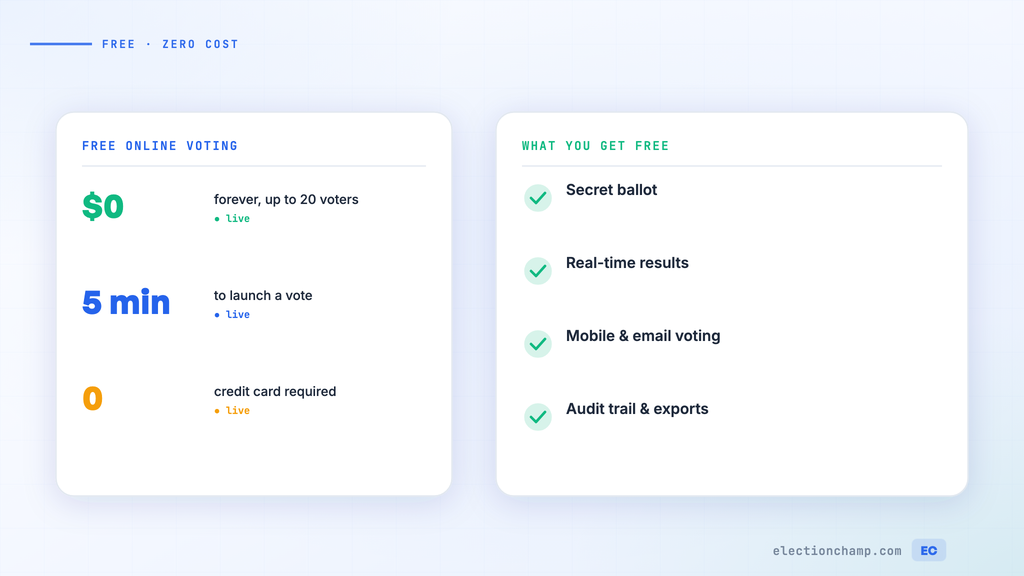
Planning your next vote? Read about how online elections work and the full feature list, or see pricing: free up to 20 voters, $10 up to 200, then $0.05 per voter.