ElectionChamp
Not Every Vote Is an Election
Organizations regularly need to put questions to their membership that aren’t about choosing people — they’re about choosing direction. Bylaw amendments, dues increases, merger proposals, policy changes, budget approvals, and strategic priorities all require formal member input. Yet these non-candidate votes often get even lower participation than board elections because members find them less engaging.
Online voting makes these critical decisions accessible and well-documented, ensuring that policy votes carry the legitimacy they need.
Referendum vs. Election vs. Survey: When to Use What
|
Type |
Purpose |
Binding? |
Typical Threshold |
ElectionChamp Setup |
|
Election |
Choose people for positions |
Yes |
Plurality or majority |
Plurality or Ranked Choice ballot |
|
Referendum |
Approve/reject a specific proposal |
Yes |
Simple majority or supermajority |
Yes/No Plurality question |
|
Advisory Vote |
Gauge member sentiment on a topic |
No |
None — informational |
Yes/No or multiple option question |
|
Survey |
Collect broad feedback or preferences |
No |
None — informational |
Multiple questions, various methods |
This guide focuses on binding referendums and policy votes, though the setup process is similar for all types.
Step-by-Step: Setting Up a Policy Vote
- Verify your authority: Check your bylaws to confirm that the proposed action requires a member vote and what approval threshold is needed (simple majority, two-thirds, three-quarters).
- Provide proper notice: Most bylaws require 14-30 days’ notice before a member vote. Send the notice with the full text of the proposed change.
- Create the election in ElectionChamp: Name it clearly — for example, “Bylaw Amendment: Electronic Voting Authorization” or “2026 Dues Increase Proposal.”
- Build the ballot: Create a Yes/No ballot question using Plurality voting. Write a clear, neutral question: “Do you approve the proposed amendment to Article IV, Section 3, authorizing electronic voting for all organizational elections?”
- Attach supporting documents: Use the Voter Instructions field to include the full text of the proposal, a plain-language summary, and any board recommendation.
- Configure security: Set Result Visibility to “After Election Ends” to prevent early results from discouraging participation.
- Set the voting window: 7-14 days for most policy votes. Longer windows for major decisions.
- Launch and communicate: Send notifications and begin your communication campaign.
Handling Approval Thresholds
Different actions require different approval levels. Configure your expectations accordingly:
|
Action |
Common Threshold |
What It Means |
|
Simple majority |
More than 50% of votes cast |
Standard for routine policy changes |
|
Two-thirds majority |
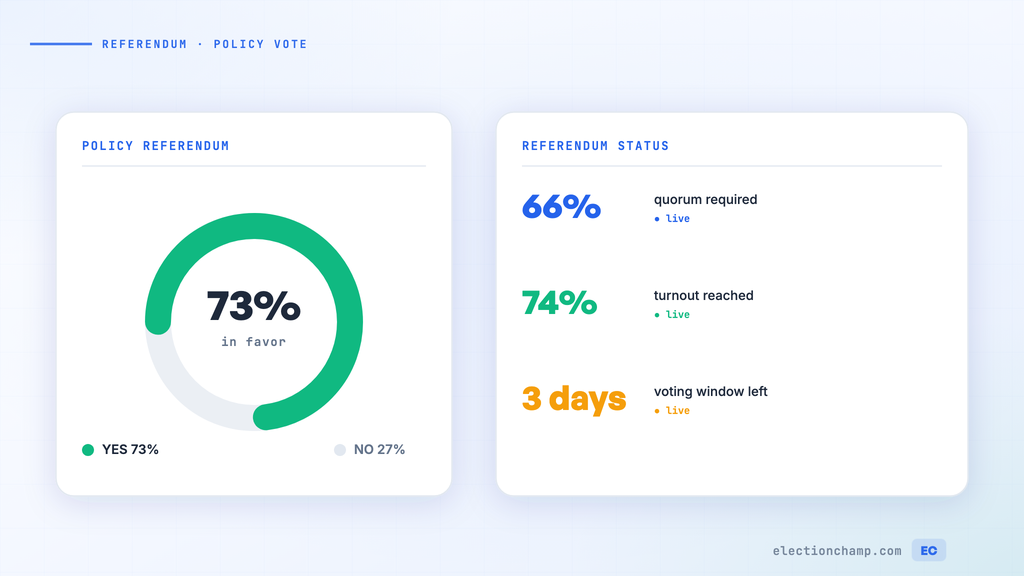
66.7% of votes cast |
Common for bylaw amendments |
|
Three-quarters majority |
75% of votes cast |
Typical for dissolution, merger, major asset sales |
|
Majority of total membership |
More than 50% of ALL eligible members |
Requires high turnout — not just votes cast |
ElectionChamp reports exact vote counts and percentages, making threshold verification straightforward. Download the CSV results to document whether the threshold was met.
Pre-Vote Information Campaigns
Policy votes require more member education than candidate elections. Members need to understand what they’re voting on and why it matters:
Essential Communications
- Plain-language summary: Translate legalese into everyday language. “This amendment lets us use online voting instead of paper ballots” is better than quoting bylaw text.
- Pro/Con analysis: If the board has debated the issue, share the key arguments on both sides. This builds trust even if the board has a recommendation.
- Financial impact: If the vote involves money (dues increase, special assessment, capital expenditure), quantify the impact per member.
- Board recommendation: State whether the board recommends approval, disapproval, or is neutral, and briefly explain why.
- Q&A opportunity: Host a town hall, webinar, or provide a FAQ document where members can get questions answered before voting.
Information Distribution Timeline
|
Timing |
Action |
Channel |
|
30 days before vote |
Formal notice with full proposal text |
Email + mail (if required) |
|
21 days before |
Plain-language summary and FAQ |
Email + website |
|
14 days before |
Board recommendation and rationale |
Email + newsletter |
|
7 days before |
Town hall or Q&A session |
Zoom / in-person |
|
Voting opens |
Ballot notification with all reference materials |
ElectionChamp auto-send |
|
Mid-voting |
Reminder with key facts |
Email + SMS |
|
48 hours before close |
Final reminder |
Email + SMS |
Multiple Questions on One Ballot
Organizations often have several items requiring member approval at the same time. ElectionChamp supports unlimited ballot questions, so you can combine them into a single election:
- Each question can use a different voting method if needed
- Voters see all questions in sequence and review their answers before submitting
- Results are reported separately for each question
- One ballot means one notification — members don’t have to vote multiple times
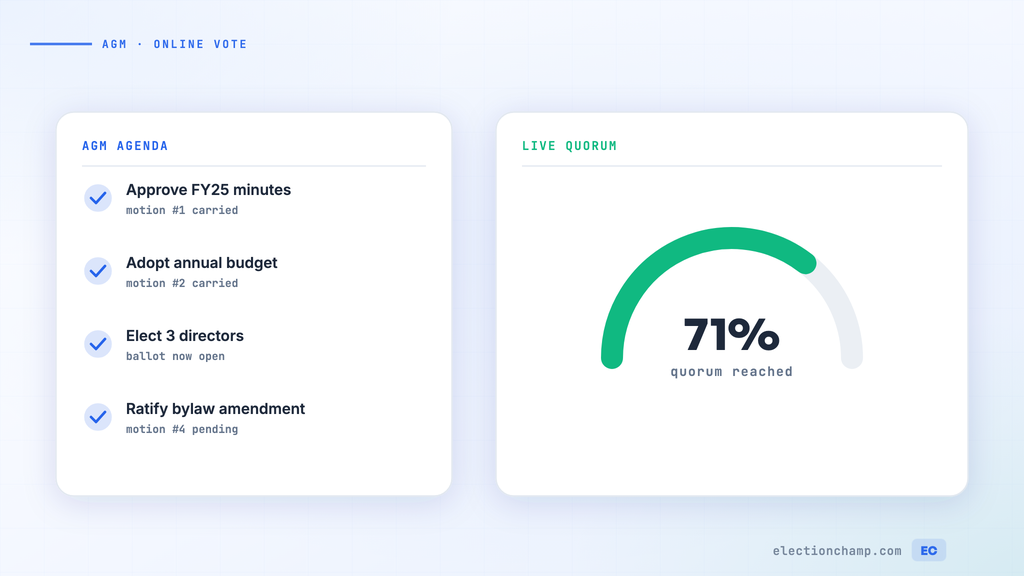
For example, your annual meeting ballot might include a board election (Plurality), a bylaw amendment (Yes/No), a budget approval (Yes/No), and a member survey (multiple choice) — all in one clean voting experience.
Communicating Results
How you communicate results affects member trust:
- Report results promptly — within 24 hours of the vote closing
- Share exact numbers: total votes cast, Yes votes, No votes, abstentions, and the required threshold
- State clearly whether the measure passed or failed
- If the measure passed, communicate the implementation timeline
- If it failed, acknowledge the result and outline next steps
- Use ElectionChamp’s one-click results email to send results to all voters simultaneously
Dues Increases
- Clearly state the current amount, proposed amount, and effective date
- Show what the increase funds — members are more supportive when they see the value
- Consider offering a phase-in option as an alternative ballot question
Merger or Dissolution Votes
- These are among the most consequential organizational decisions — allow extra time for deliberation
- Provide detailed financial projections and legal implications
- Consider requiring a supermajority (two-thirds or three-quarters) even if bylaws only require simple majority
- Ensure documentation meets state filing requirements
Bylaw Amendments
- Show the current language side-by-side with proposed changes (redline format in your communications)
- Explain why the change is needed in practical terms
- If multiple amendments are proposed, let members vote on each separately — a package deal may fail because members object to one item
Ready to modernize your organizational voting? Start for free at ElectionChamp.com — secure, anonymous, and mobile-friendly voting for every organization.