ElectionChamp
Introduction
Running an election isn’t just about setting up a ballot and hitting “Launch.” The most successful elections are the result of careful planning that starts weeks — sometimes months — before the first vote is cast.
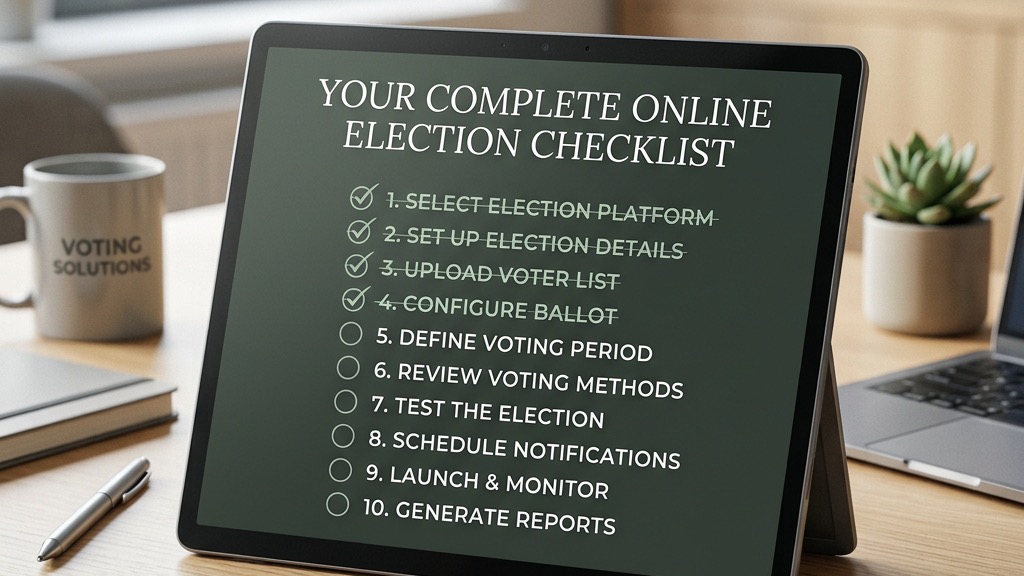
This checklist breaks the entire process into seven phases, from initial planning through post-election reporting. Use it as a step-by-step guide to ensure nothing falls through the cracks, whether you’re running your first election or your fiftieth.
Phase 1: Governance and Bylaw Review (4–6 Weeks Before)
- Review your governing documents (bylaws, constitution, or charter) for election procedures
- Confirm that electronic voting is permitted under your bylaws and applicable state law
- Identify voting thresholds (simple majority, supermajority, quorum requirements)
- Determine which positions or questions will be on the ballot
- Confirm term lengths, eligibility criteria, and nomination procedures
- If bylaws need amendment to allow online voting, initiate that process first
Phase 2: Nominations and Candidate Preparation (3–4 Weeks Before)
- Open the nomination period per your bylaws
- Distribute nomination forms or open a nominations ballot on ElectionChamp
- Collect candidate information: names, bios (100–200 words), headshot photos
- Verify each candidate’s eligibility per your governing documents
- Close nominations and finalize the candidate slate
- Prepare candidate profiles for the ballot
Phase 3: Platform Setup (2–3 Weeks Before)
- Create your ElectionChamp account and start a new election
- Start step: name, organization, logo, voting dates and time zone
- Also on Start: who can see results while voting is open, how voters get their key, and extra columns (voter label, ballot IDs, weights)
- Build your ballot: add questions, candidates, voting methods, and advanced settings
- Preview the ballot and have at least one other person review it
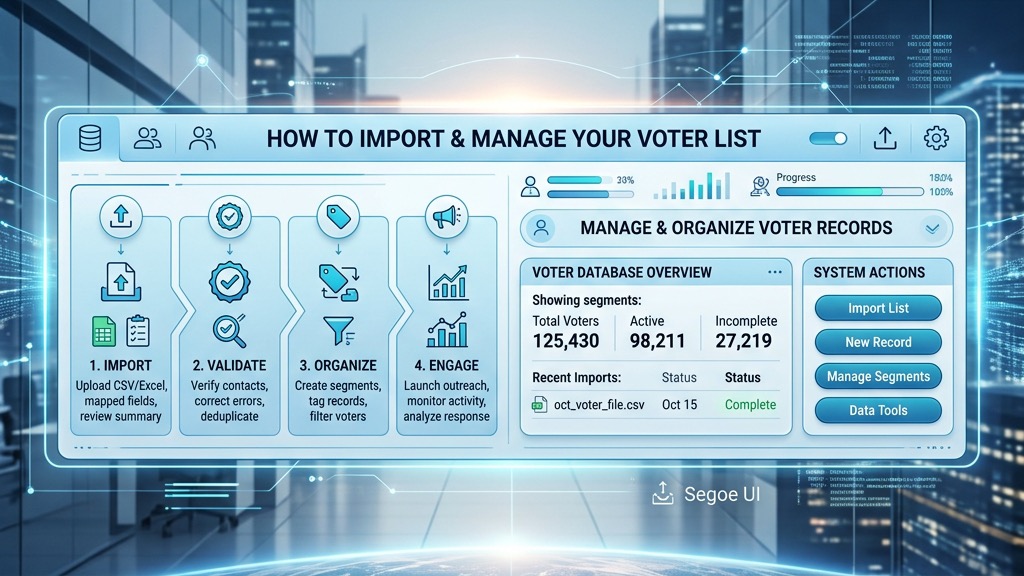
- Prepare your voter list (CSV/Excel with names, emails, and/or phone numbers)
- Voters step: paste or upload the list, and set 5 to 10 spare keys for latecomers
- Invitations step: adjust the email and/or text message, then use “Email me a test”
- Run a test election with your committee or board to verify everything works
Phase 4: Voter Communication (1–2 Weeks Before)
- Send a pre-election announcement to all members explaining the upcoming vote
- Communicate what’s being voted on, who the candidates are, and when voting opens
- Explain the online voting process step by step (especially if this is your first digital election)
- Share candidate profiles or a voter guide
- Let members know they’ll receive a secure voting link via email/SMS
- Designate a point of contact for voter questions
Phase 5: Launch and Election Day Management
- Launch step: check the summary, pay by card if the election has more than 20 voters, and press “Launch election”
- Verify that notification emails/SMS are being sent (check the Election Status panel)
- Monitor the dashboard for participation rates and email delivery status
- Send reminder notifications to non-voters at the midpoint
- Send a final reminder 24 hours before the deadline
- Handle any voter issues: resend keys, answer questions, verify email addresses
- If a voter’s email bounced, correct the address and resend
Phase 6: Closing and Results
- Allow the election to auto-close at the scheduled time, or close early if all voters have voted
- Navigate to the Results tab and review the outcomes
- Download the CSV report for your official records
- Send results to all voters using the “Send Election Results” feature
- Prepare a results summary for your board or organization
Phase 7: Post-Election Audit and Documentation
- Review the Audit tab for a complete, timestamped log of all administrative actions
- Archive the CSV results file, audit log, and any voter communications
- Certify the results per your bylaws (board vote, announcement at meeting, etc.)
- Communicate outcomes to all stakeholders
- Document any lessons learned for next election
- If any disputes arise, reference the audit trail as your compliance record
Pro tip: Save this checklist as a template you can reuse every election cycle. Update it with any organization-specific steps unique to your bylaws.
Planning your next vote? Read about how online elections work and the full feature list, or see pricing: free up to 20 voters, $10 up to 200, then $0.05 per voter.