ElectionChamp
Democracy Is Learned, Not Inherited
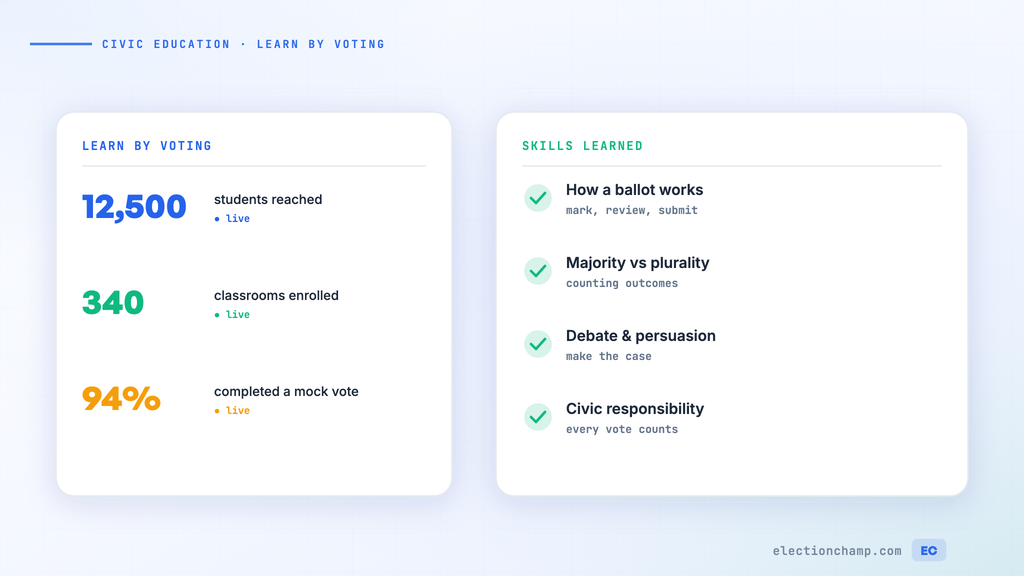
Every generation must learn democratic principles anew. Civic education — understanding how elections work, why participation matters, and what makes a process fair — is essential for a functioning democracy. Yet civic knowledge and engagement among young people continues to decline.
Online voting platforms offer educators a powerful tool to teach civic engagement experientially. Rather than reading about elections in a textbook, students can participate in real voting processes — experiencing firsthand how candidates are nominated, ballots are designed, votes are cast, and results are determined.
Learning Objectives That Online Voting Supports
|
Learning Objective |
How Online Voting Teaches It |
Grade Level |
|
Understanding the secret ballot |
Students vote anonymously and discuss why ballot secrecy matters |
All grades |
|
One person, one vote |
Each student gets exactly one voting key — they experience the principle directly |
All grades |
|
Majority rule |
Students see how vote counts determine winners |
Elementary+ |
|
Different voting methods |
Compare Plurality vs. Ranked Choice results on the same candidates |
Middle school+ |
|
Data literacy |
Analyze results: percentages, turnout rates, margins of victory |
Middle school+ |
|
Campaign and persuasion |
Students develop platforms and persuade peers — then see if it worked |
All grades |
|
Procedural fairness |
Random ballot order, equal candidate presentation, anonymous voting |
Middle school+ |
|
Interpreting election results |
Discuss what results mean, how turnout affects outcomes, and why every vote matters |
High school |
Mock Elections: A Step-by-Step Guide
Mock elections are the most straightforward way to use online voting as a teaching tool:
Option 1: Mirror a Real Election
- During a national, state, or local election cycle, create a mock ballot with the real candidates and measures
- Students research candidates, discuss issues, and vote
- Compare your classroom results to the actual election results — discuss why they might differ
- This works for presidential elections, midterms, local races, and ballot propositions
Option 2: Create a Classroom Election
- Elect a class president, project leader, or book club selection through a formal voting process
- Students nominate candidates, campaign, and vote — experiencing the full democratic cycle
- Use the election to teach about the nominating process, campaign ethics, and voter responsibility
Option 3: Vote on Classroom Decisions
- Put real classroom decisions to a vote: field trip destinations, project topics, class rules, end-of-year activities
- Students learn that voting has real consequences — they live with the outcome
- Discuss what makes a decision appropriate for voting vs. what should be decided by the teacher (authority)
Teaching Voting Methods Through Comparison
One of the most powerful lessons is running the same election twice using different voting methods and comparing the results:
- Present 4-5 options for a class decision (e.g., field trip destinations).
- Run a Plurality vote (“Pick your favorite”) and record the results.
- Run a Ranked Choice vote (“Rank all options from most to least preferred”) with the same options.
- Compare: Did the same option win? Often, the Plurality winner is different from the Ranked Choice winner because Ranked Choice accounts for second and third preferences.
- Discuss: Which result better reflects the class’s overall preferences? What are the strengths and weaknesses of each method?
This exercise brings voting theory to life in a way that no textbook can match.
Data Literacy Through Election Results
Election results provide rich material for math and data analysis:
- Calculate percentages: What percentage of the class voted for each candidate?
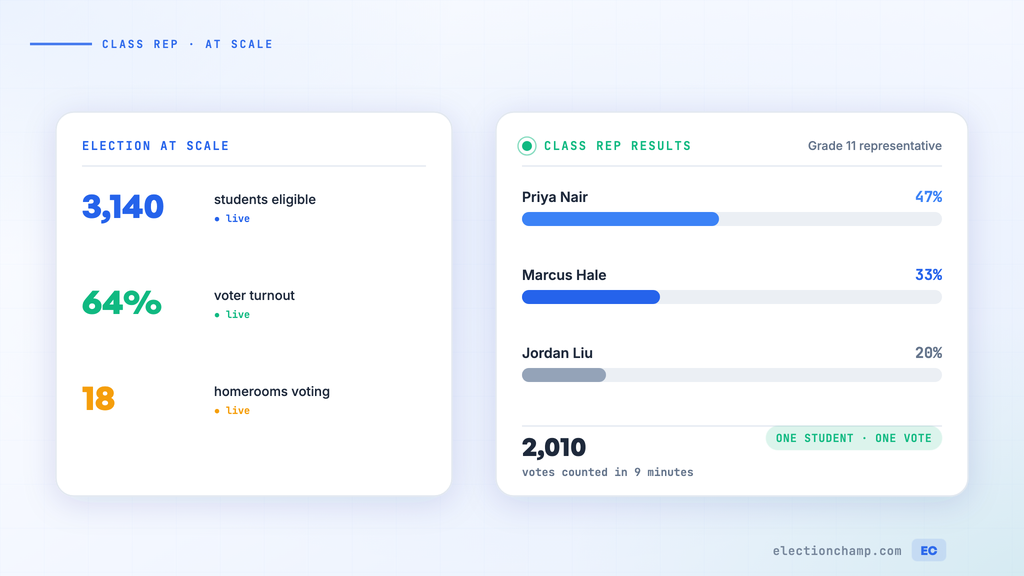
- Analyze turnout: If 28 out of 32 students voted, what’s the participation rate? Why didn’t everyone vote?
- Interpret margins: If the winner got 45% and the runner-up got 38%, is that a decisive victory or a close race?
- Create visualizations: Students can make bar charts, pie charts, or infographics from the results data
- Compare demographics: If you run the same vote in multiple classrooms, compare results across sections and discuss why they might differ
Curriculum Alignment
|
Subject |
How Mock Elections Connect |
|
Social Studies / Civics |
Direct alignment with civic education standards; democratic principles; government structure |
|
Math |
Percentages, data analysis, probability, statistics, graphing |
|
English Language Arts |
Persuasive writing (campaign speeches), critical analysis (evaluating candidates), media literacy |
|
Computer Science / Technology |
Digital literacy, online safety, information security concepts |
|
Ethics / Philosophy |
Fairness, majority rule vs. minority rights, social contract |
Practical Tips for Educators
- ElectionChamp is free for up to 20 voters — perfect for single-classroom elections
- For larger mock elections (school-wide), the cost is minimal: $10 for up to 200 students
- Use printed keys for younger students without email — print the keys and distribute in class
- Set the voting window to 1-2 class periods for in-class exercises, or 2-3 days for school-wide elections
- Project the results dashboard on the classroom screen for an engaging reveal moment
- Save the results CSV as part of the lesson portfolio — it’s a real dataset students can analyze
Planning your next vote? Read about online voting for schools and nominations, or see pricing: free up to 20 voters, $10 up to 200, then $0.05 per voter.