ElectionChamp
Why Branding Your Election Matters
When voters receive an email about an upcoming election, the first thing they notice is not the ballot design — it is the sender, the subject line, and whether the message looks legitimate. A branded election with your organization’s logo, name, and voice immediately signals authenticity. It tells voters, “This is real. This is official. This is from us.”
Unbranded elections, by contrast, feel generic. Voters may mistake them for spam, ignore them entirely, or question whether the election is legitimate. In an era of phishing scams and digital distrust, professional branding is not a luxury — it is a security measure in itself.
What You Can Customize in ElectionChamp
Organization Name
Your organization name appears on the ballot header, in voter notification emails, and on the results page. Enter it exactly as your members know it — “Willow Creek Homeowners Association” rather than an abbreviation like “WCHOA” that some members might not recognize.
Organization Logo
Add your logo on the Start step, the first step of setup (PNG or JPG, up to 1.5 MB). Drop it on the box or choose a file. The logo appears at the top of the ballot, on the voter confirmation page, and in all notification emails. A logo transforms the ballot from a generic form into an official organizational document.
Design Tip: Use a horizontal or square logo with a transparent background for the best visual result. Very tall or narrow logos may look awkward in the ballot header.
Election Name
Choose a clear, descriptive name like “2026 Annual Board of Directors Election” rather than something vague like “Spring Vote.” This name appears everywhere — in emails, on the ballot, and on the results page. Make it recognizable so voters immediately understand what they are voting on.
Email Notification Templates
This is where branding has the biggest impact on participation. On the Invitations step, the email is written for you, and you can rewrite it in your organization’s voice, add context about why this election matters, and give clear instructions. It supports Markdown: wrap words in **two asterisks** for bold. The preview beside it shows the real email, with your logo as the header.
Insert chips add labels that personalize each email automatically. They show in square brackets:
- [Voting link]: the voter’s personal voting URL. It stays in every message, so it can’t be deleted by accident
- [Election name]: the election name you configured
- [Organization]: your organization name
- [Deadline]: the voting deadline
- [Your name]: the administrator’s name for a personal touch
Voter Instructions on the Ballot
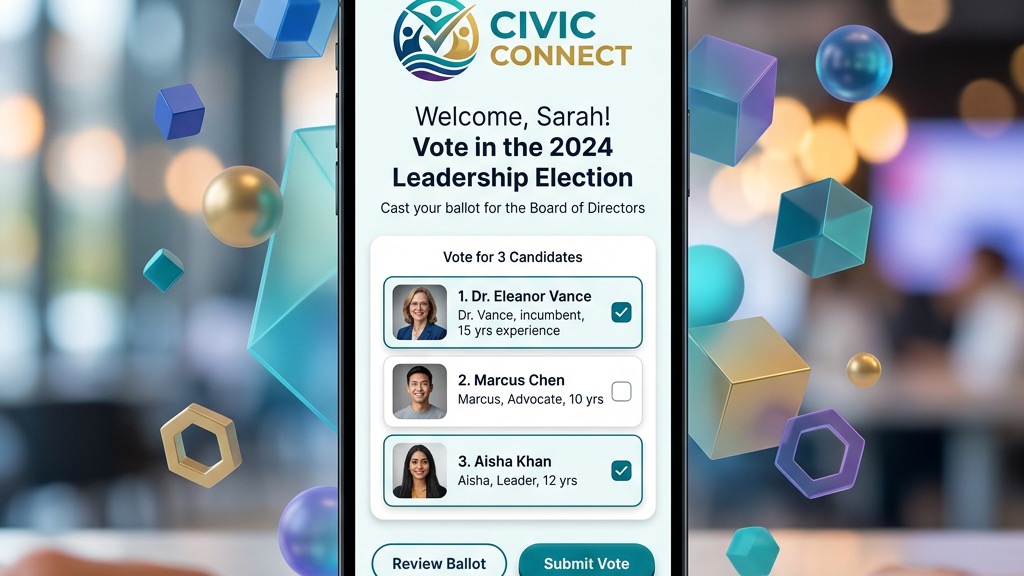
Each ballot question has an optional “Voter instructions” box where you can add context. Voters see it under the question’s choices. Use this space to explain the role being voted on, term lengths, or any other relevant information; the ballot already shows how many candidates to select. Well-written instructions reduce voter confusion and invalid ballots.
Candidate Profiles
For each candidate, you can upload a photo and write a biography. Voters click “View Information” on the ballot to see these details before making their selection. This is especially important in larger organizations where not every voter personally knows every candidate.
Crafting Professional Email Notifications
Your notification email is often the first (and sometimes only) touchpoint with voters. Here is a framework for an effective, branded election email:
- Subject line: ElectionChamp sets it to “Vote in” followed by your election name, and replies go to you. So the election name is your subject line: make it clear, for example “2026 WCHOA Board Election”.
- Opening line: Address the voter and state the purpose. “Dear WCHOA Member, it’s time to elect your Board of Directors for the 2026–2028 term.”
- Context paragraph: Explain what’s being decided and why it matters. Keep it brief.
- Voting instructions: Clear, numbered steps. “Click the link below, review the candidates, make your selections, and submit.”
- The voting link: [Voting link] stays in every message, and the email also ends with a “Vote Now” button.
- Deadline emphasis: State the deadline clearly and include the time zone.
- Closing: Thank voters and include a contact for questions.
The Impact of Branding on Voter Participation
While there is no single magic bullet for voter turnout, branding contributes to a trust ecosystem that drives participation. When an email looks official, voters are more likely to open it. When the ballot looks professional, voters are more likely to complete it. When the confirmation page carries the organization’s identity, voters feel confident their vote was counted.
Organizations that invest in branding their elections consistently report higher open rates on notification emails, lower rates of voters contacting support with confusion or suspicion, and higher overall participation compared to generic or unbranded election emails.
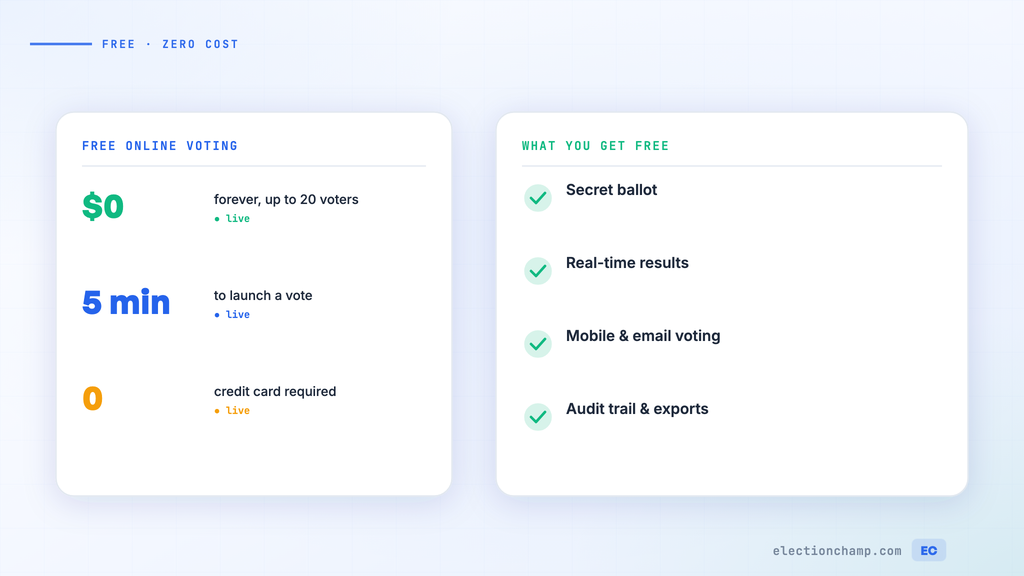
Planning your next vote? Read about how online elections work and the full feature list, or see pricing: free up to 20 voters, $10 up to 200, then $0.05 per voter.