ElectionChamp

Elections Are Just the Beginning
Most organizations think of their voting platform as a tool they use once or twice a year for board elections. But the same infrastructure that makes secure voting possible — unique voter keys, anonymous responses, audit trails, and automated results — is equally powerful for surveys, polls, and feedback collection.
If you are already using ElectionChamp for elections, you already have everything you need to gather member input on any topic, any time. And because voters are familiar with the interface, participation in surveys and polls tends to be higher than with separate survey tools.
Elections vs. Surveys vs. Polls: When to Use Each
|
Format |
Purpose |
Key Characteristics |
Example |
|
Election |
Choose candidates or approve motions |
Official governance action, binding result, strict eligibility |
Annual board election, bylaw amendment vote |
|
Survey |
Gather detailed member opinions |
Multiple questions, longer format, may include comment fields |
Member satisfaction survey, strategic planning input |
|
Poll |
Quick pulse check on a single topic |
One or two questions, fast turnaround, lighter tone |
“Which date works for the annual picnic?” |
|
Feedback |
Collect anonymous input |
Free-form text, no candidates, identity-protected |
Board performance review, suggestion collection |
The beauty of ElectionChamp is that all four formats use the same setup process, the same voter management, and the same security infrastructure. The only difference is how you configure the ballot questions.
Setting Up a Member Survey
Step 1: Frame Your Questions
Before touching the platform, define what you want to learn. Good survey questions are specific, unbiased, and actionable. Avoid leading questions like “Don’t you agree that our amenities are excellent?” Instead, ask “How would you rate the quality of community amenities?” with clear response options.
Step 2: Choose the Right Voting Method for Each Question
ElectionChamp supports multiple question types within a single ballot. Here is how to map survey needs to voting methods:
- Plurality: Use for single-choice or multiple-choice questions. “Select your top 3 priorities for next year’s budget.”
- Ranked Choice: Use when you want voters to rank options in order of preference. “Rank these five community improvement projects from most to least important.”
- Nominations: Use for open-ended, write-in responses. “What topic would you like the board to address at the next meeting?”
- Motion (Yes/No): Use for approval-style questions. “Do you support extending pool hours through September?”
Step 3: Enable Comments for Rich Feedback
For any question where you want qualitative input, turn on Ask for Comments in the Advanced Question Settings. This adds a text box below the question where voters can leave anonymous written feedback alongside their vote. Comments are collected separately from vote selections and cannot be linked to individual voters.
Step 4: Set Up and Distribute
The rest of the process is identical to setting up an election: import your voter list, customize the notification email (update the language to reflect that this is a survey), and launch. Each member receives a unique link, ensuring one response per person and preserving anonymity.
Running a Quick Poll
Sometimes you do not need a formal survey — just a fast answer to a simple question. A poll is perfect for this.
Set up a single-question election with two to five options using the Plurality method. Keep the voting window short (24 to 48 hours) to create urgency. Customize the notification email to be brief and casual. For example: “Quick question for the community: Which weekend should we schedule the spring cleanup? Vote by Friday!”
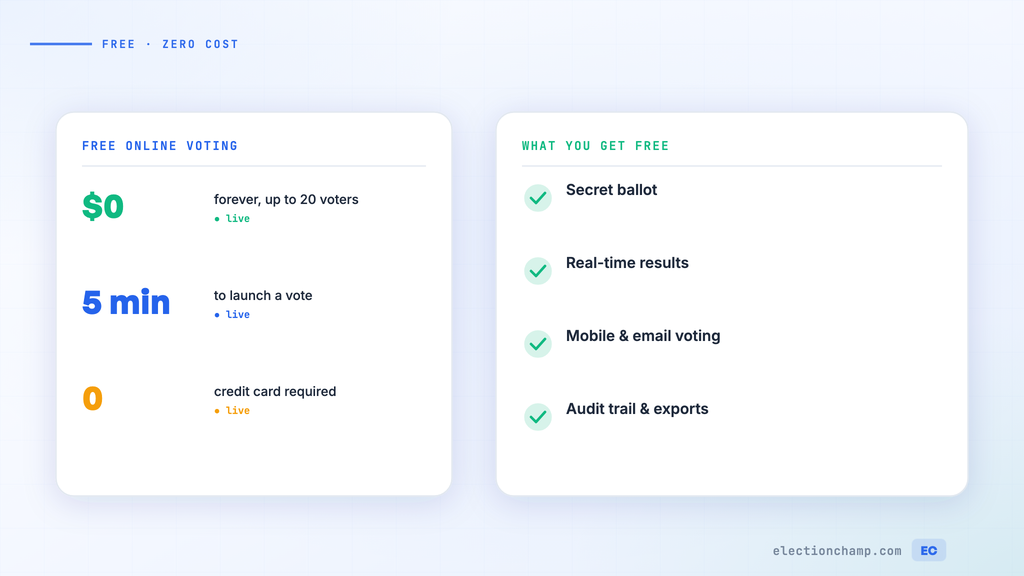
Because ElectionChamp’s pricing includes unlimited ballot questions and the free tier covers up to 20 voters, running quick polls is virtually free for small organizations.
Collecting Anonymous Feedback
Anonymous feedback is critical for sensitive topics like board performance reviews, management evaluations, or workplace culture assessments. ElectionChamp’s ballot anonymity makes it uniquely well-suited for this purpose.
Set up a ballot with Nomination-style questions for open-ended responses. The “Election Position” field becomes your question prompt (for example, “What is one thing the board could do better?”). Voters type their response, and the system collects all answers without linking them to identities.
You can combine structured questions (using Plurality for rating scales) with open-ended feedback questions (using Nominations) on the same ballot. This gives you both quantitative data and qualitative insights in a single survey.
Pro Tips for Higher Survey Participation
- Keep it short: Aim for 5–10 questions maximum. Every additional question reduces completion rates.
- Explain the purpose: In your notification email, tell members why you are asking and how their input will be used.
- Share results: After the survey closes, communicate findings to your membership. People are more likely to participate in future surveys when they see their input made a difference.
- Use clear language: Avoid jargon or ambiguous phrasing. If a question can be misunderstood, it will be.
- Time it right: Avoid launching surveys during holidays, vacation seasons, or immediately after a contentious decision. You want engaged, thoughtful responses.
Ready to modernize your organizational voting? Start for free at ElectionChamp.com — secure, anonymous, and mobile-friendly voting for every organization.